Video Description
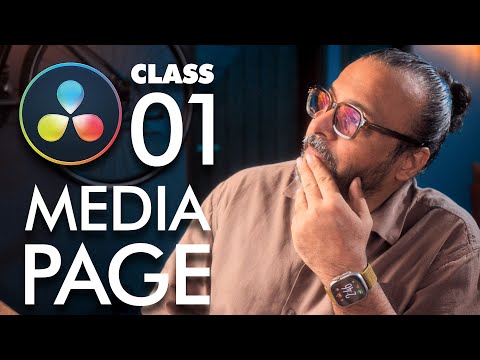
Welcome to Class 1 of my DaVinci Resolve Beginner Guide series! ?
In this lesson, we’ll cover one of the most important steps in video editing: Media Management.
Learning how to properly import, organize, and manage your files inside DaVinci Resolve will save you hours of frustration and make your editing workflow smooth and professional.
? In this class, you’ll learn:
• How to import footage into DaVinci Resolve
• Organizing media into bins & folders
• Tips to avoid missing files & broken links
This is part one of Media Page Class. By the end of this video, you’ll have a clear and efficient system to keep your projects neat and organized — just like professional editors do!
? This is part of my DaVinci Resolve Beginner Guide series, so stay tuned for upcoming classes where we’ll dive deeper into editing, effects, and color grading.
https://www.youtube.com/playlist?list=PLW-zSkCnZ-gA98O6OLuL4hGSN8LiPJ9vV
? Don’t forget to Like, Share, and Subscribe for the next lessons!
Join GFXMentor Nation (Official Facebook Group)
https://www.facebook.com/groups/gfxmnation
Follow me on Instagram
https://www.instagram.com/GFXMentor
Follow me on Facebook:
https://www.facebook.com/GFXMentor
Subscribe to my second channel named "Immmi"
https://www.youtube.com/Immmi
*IMPORTANT*
Please only use and share embed code of the original video.
Third party downloads and distribution is not permitted.
My name is Imran Ali Dina, and I am a seasoned Graphic Design Trainer having experience of 20+ years. I've started this training for anyone who wants to learn Graphic Designing for FREE in a professional way.
Photoshop for Beginners Series Playlist:
https://www.youtube.com/playlist?list=PLW-zSkCnZ-gA5Jn6gZtUa6-aG0OoRZyb6
Here's the complete playlist of Adobe Illustrator Training so far, I suggest, if you are new to Adobe Illustrator you should watch whole playlist from the beginning:
https://www.youtube.com/playlist?list=PLW-zSkCnZ-gCq0DjkzY-YapCBEk0lA6lR
www.youtube.com/GFXMentor